Stock take

Count the shelf by scanning, then approve the difference.
In the productIncluded with Stock
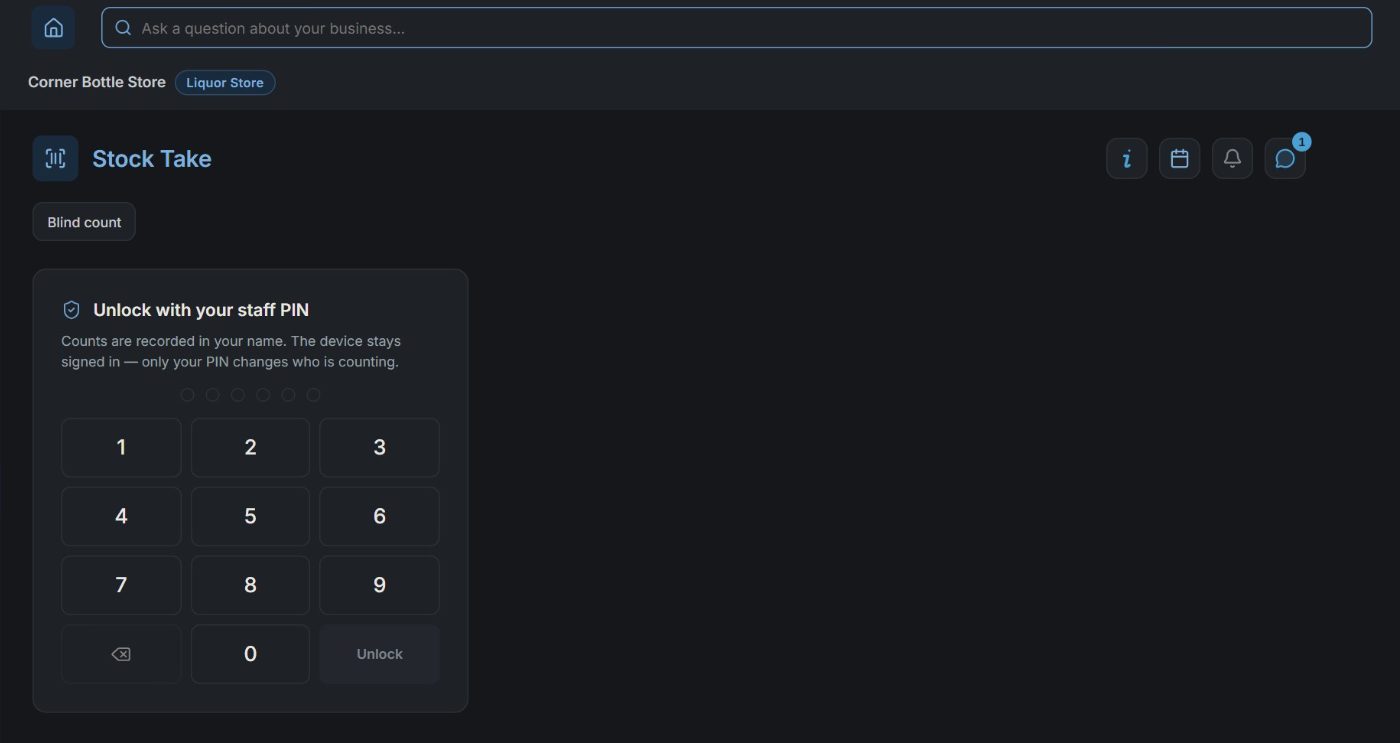
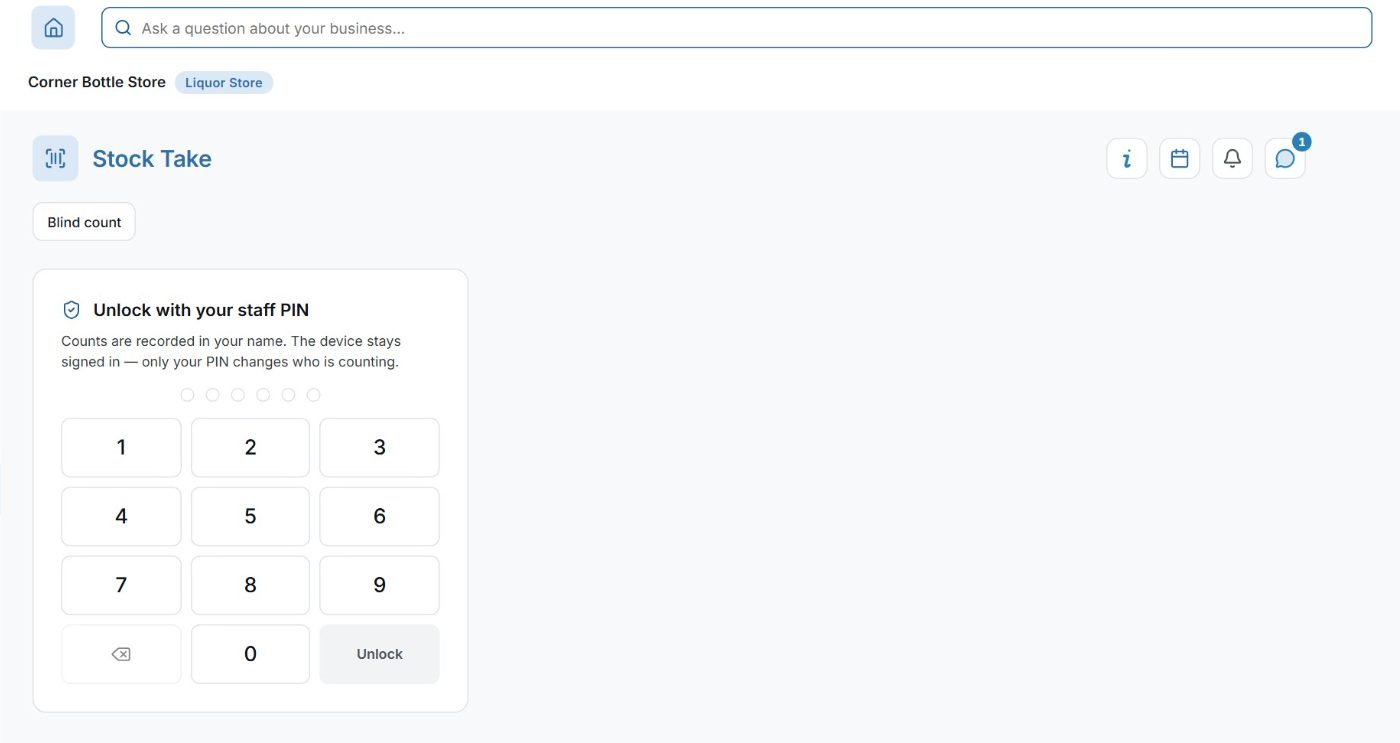
Stock Take at Corner Bottle Store on a computer: unlock with your staff PINStock Take at Corner Bottle Store on a computer: unlock with your staff PIN
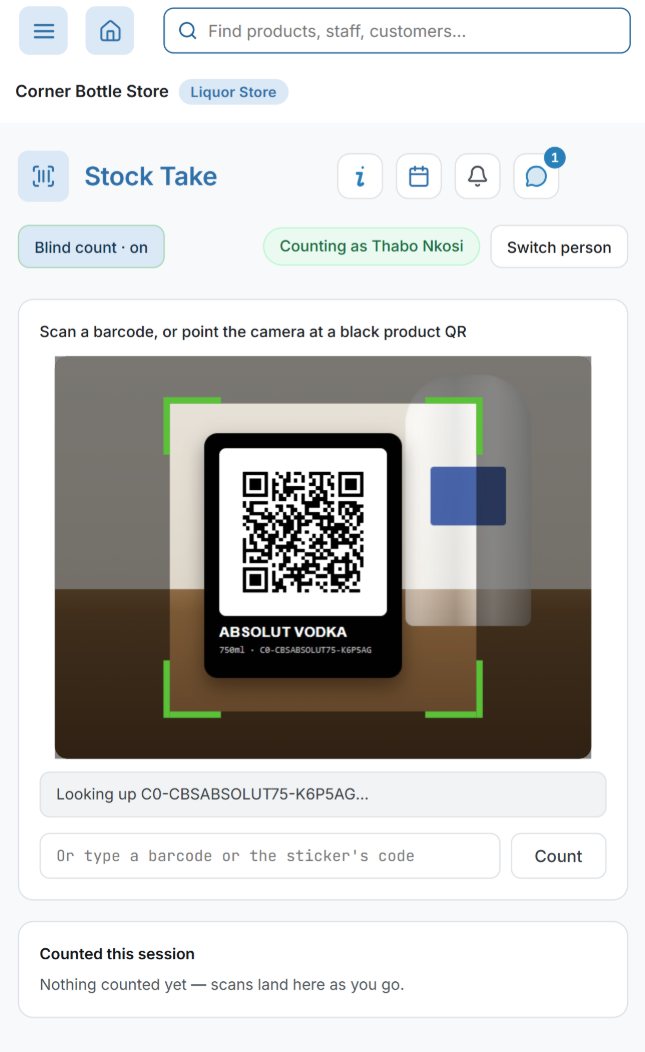
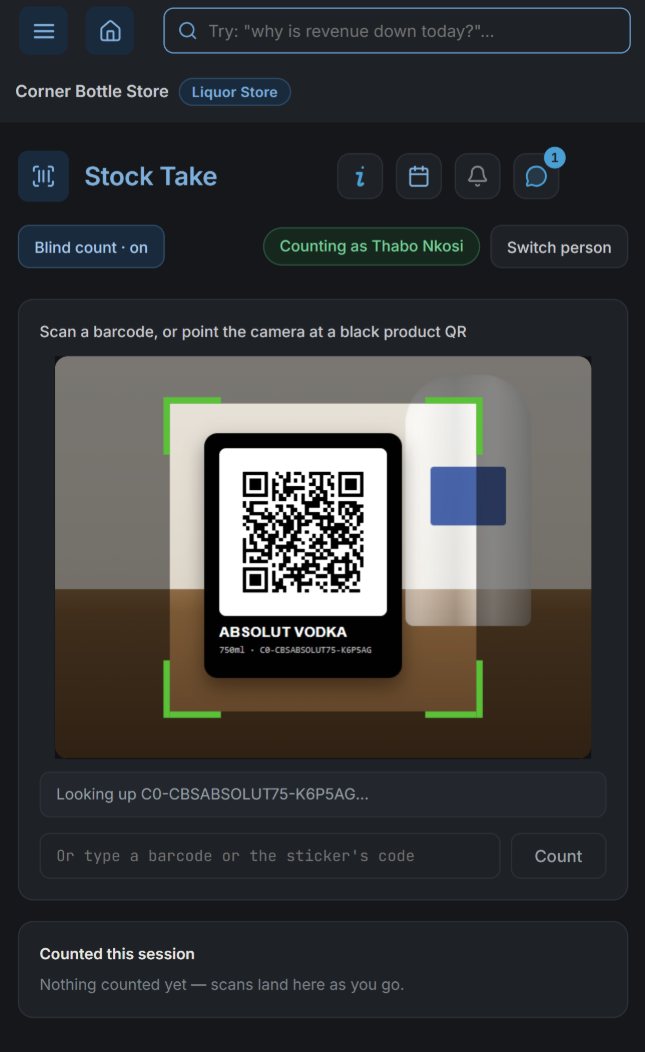
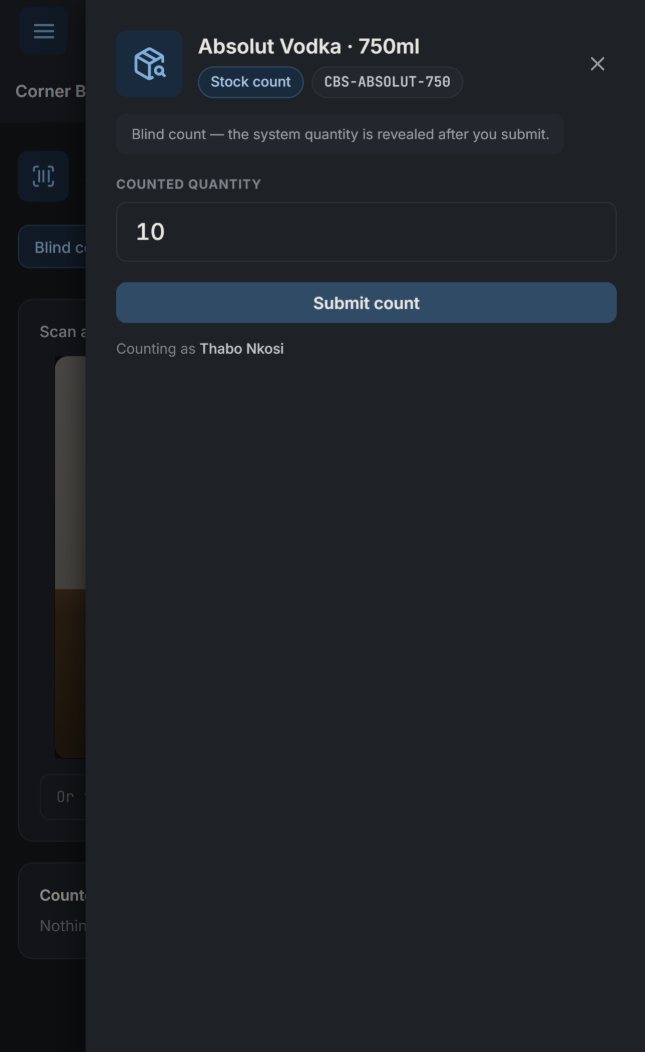
app.nuai.co.zaStock Take on a phone at Corner Bottle Store: the camera reading the black stock sticker of Absolut Vodka, counting as Thabo Nkosi, blind count onStock Take on a phone at Corner Bottle Store: the camera reading the black stock sticker of Absolut Vodka, counting as Thabo Nkosi, blind count on1. Scan
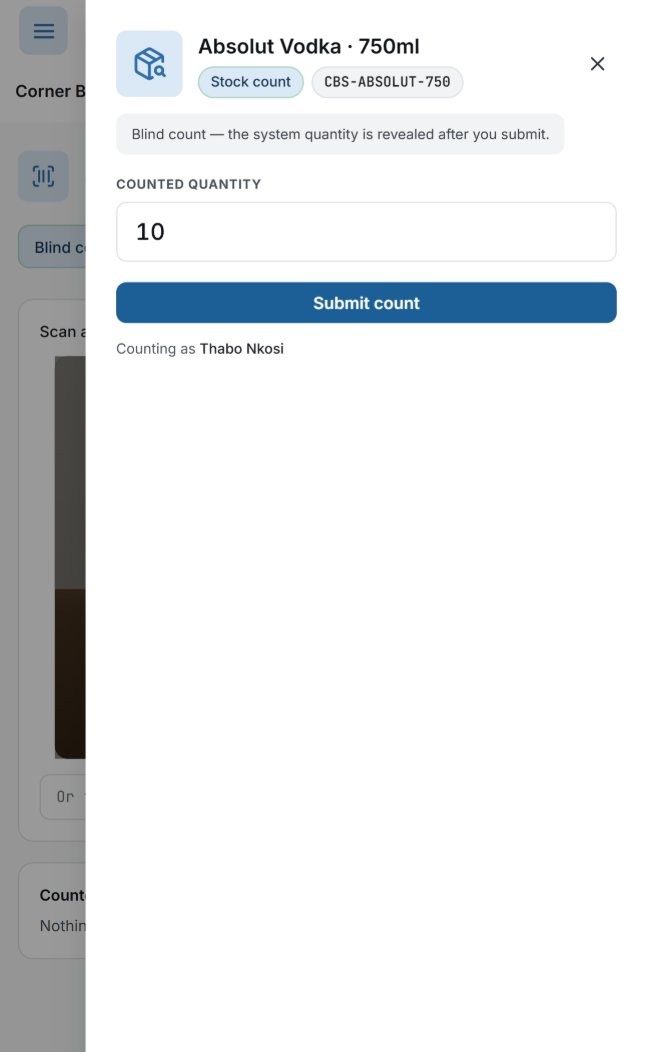
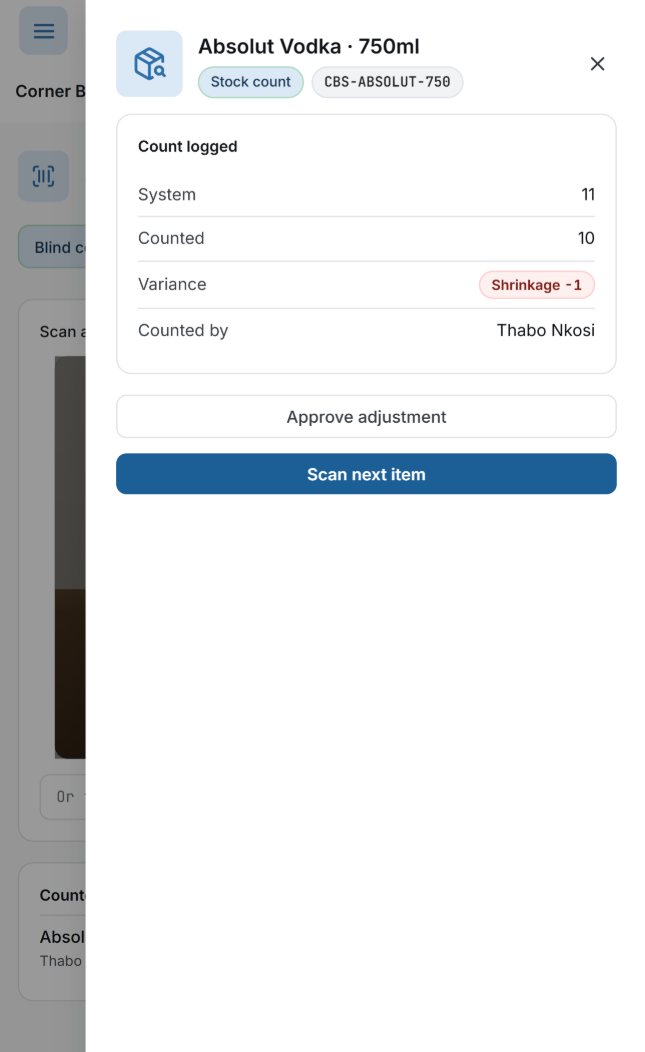
app.nuai.co.zaThe count on a phone: Absolut Vodka 750ml, a blind count, the system's figure hidden until the count is submitted, 10 typed inThe count on a phone: Absolut Vodka 750ml, a blind count, the system's figure hidden until the count is submitted, 10 typed in2. Count, blind
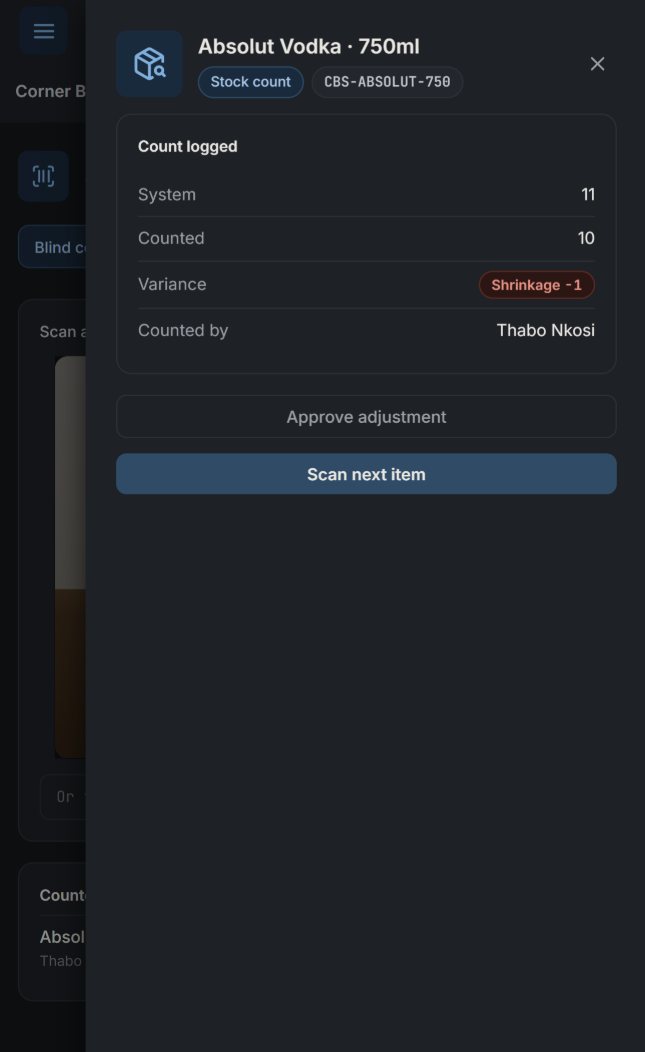
app.nuai.co.zaCount logged on a phone: the system's 11 against the 10 counted, a shrinkage of 1, with Approve adjustmentCount logged on a phone: the system's 11 against the 10 counted, a shrinkage of 1, with Approve adjustment3. The difference
Real screens at our demo bottle store: a staff PIN unlocks the count, then a phone at the shelf scans, counts blind and shows the difference. Switch blind count off and the screen shows the system's figure while you count. Nothing changes until the difference is approved. For the picture, the phone's camera was shown the shop's own sticker, and the count of 10 was typed in and never saved.

What it does

  • Scan a shelf sticker or a barcode to count
  • Count on a phone or a tablet
  • The differences are shown before you approve them
  • The approved count corrects the stock on hand

Book a demo

Thirty minutes on your business. We show you the apps you would use, on a business close to yours. You'll be talking to Gerhardt Fivaz, the founder: no sales team.

Book a demoWhatsApp us