QR & barcodes
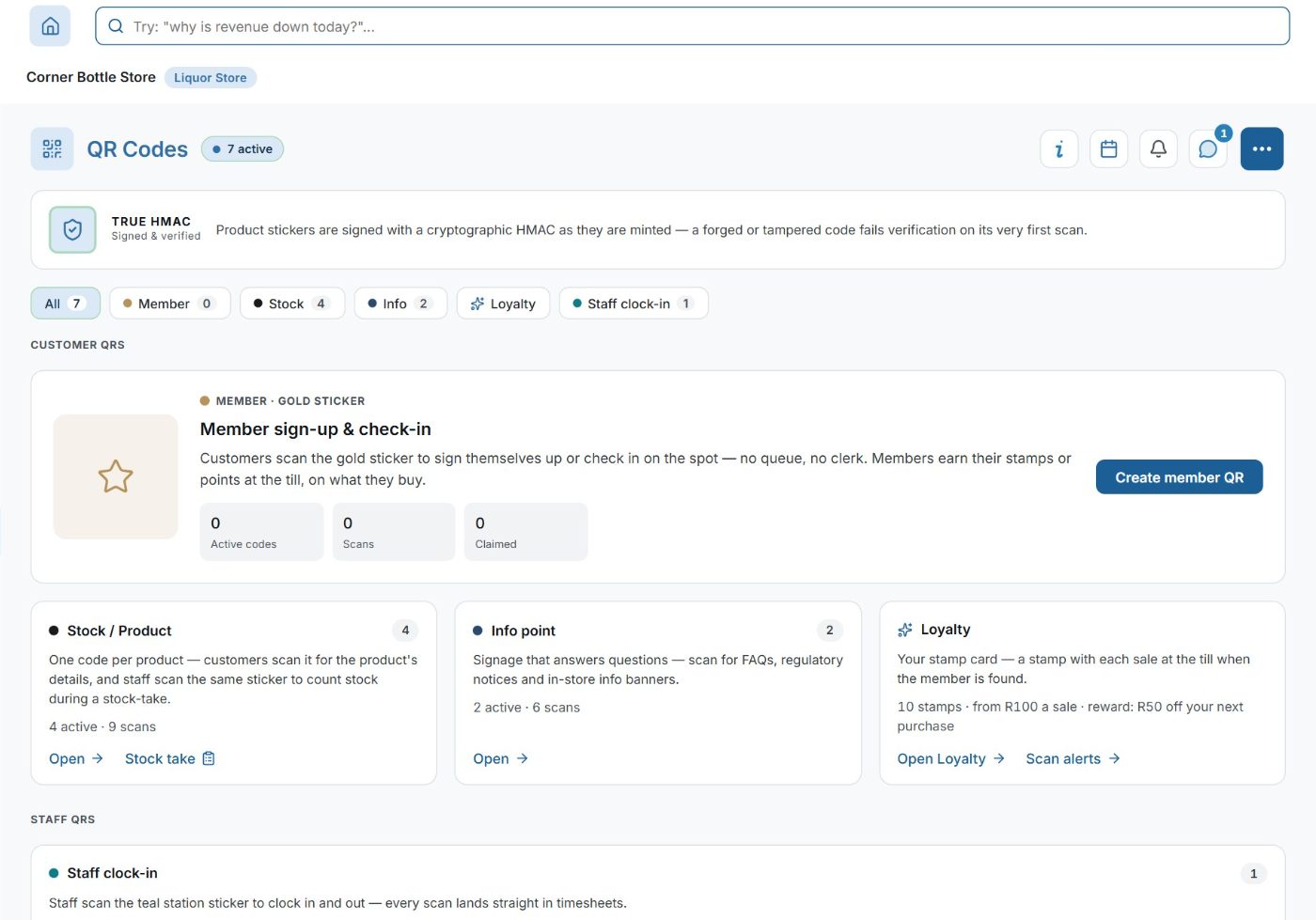
Signed QR codes for stock, info points, event check-in and clock-in: a made-up or edited code is refused.
What it does
- Codes for stock stickers, info points, menus, promotions, event check-in and staff clock-in stations
- The codes are signed with a signature only NuAi can make, checked at every scan: a made-up or edited code is refused, and the attempt logged
- The codes that open something check who is scanning: a staff code works only for that business's signed-in staff
- A one-time points code pays once, a repeating one waits out its pause, and a code can stop on a date or after a set number of scans
- Every scan logged with its outcome and an approximate place
- Count stock by scanning the shelf sticker
- Barcodes on products, at the till, the stock-take and receiving
How a scan is checked
- 1. Scan
A phone's camera reads the code. Nothing to install.
- 2. Checked
First its signature, which only NuAi can make: a made-up or edited code is refused. Then who is scanning: a staff code opens only for that business's own signed-in staff.
- 3. Logged
What was scanned, when, and what happened. A one-time points code pays once; a code can stop on its date or after its last scan.